LifeKit
An offline survival guide for when the internet goes down: the phone is its camera, and a local AI box holds the library and runs the models.
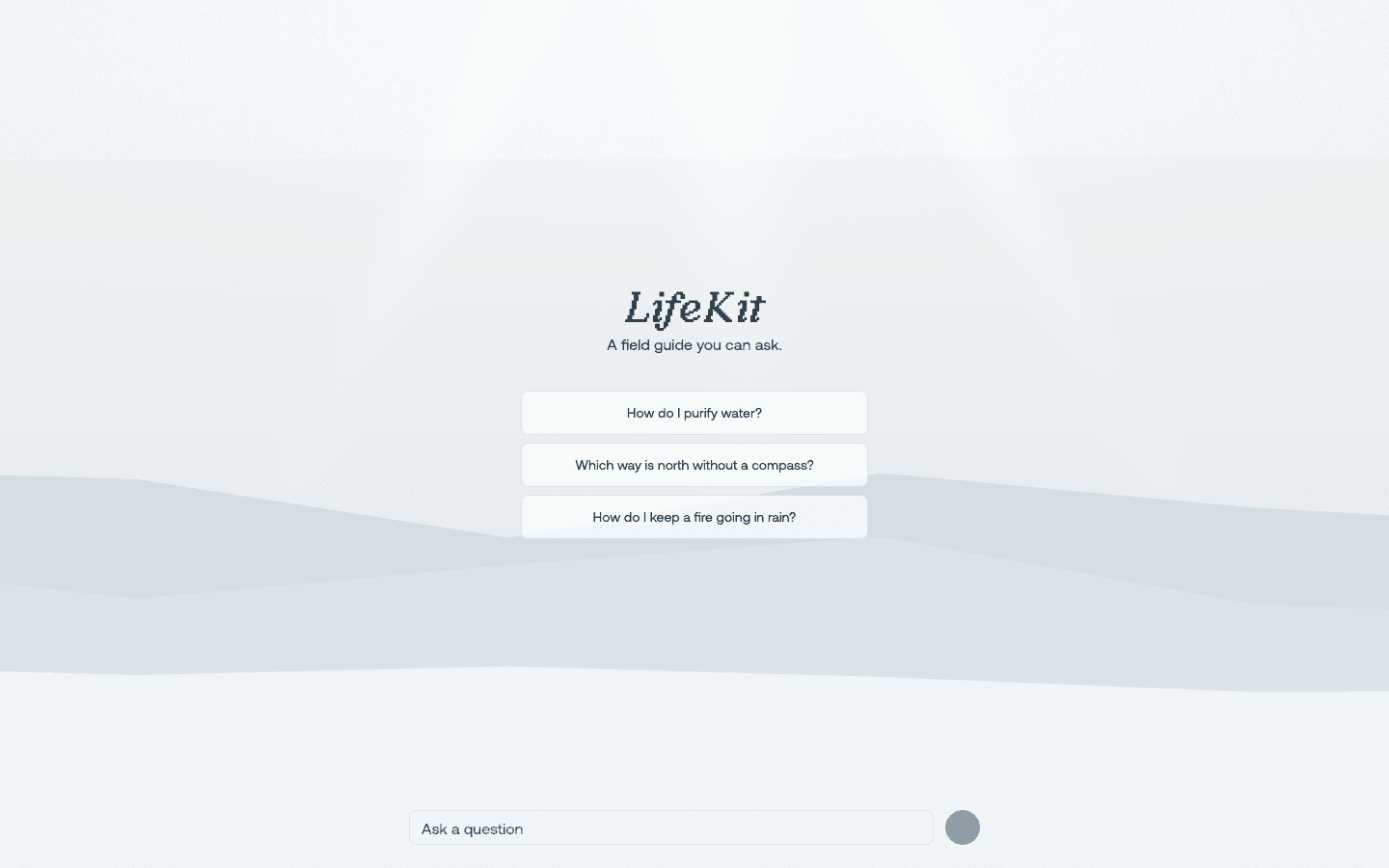
LifeKit is an offline survival guide. It runs on the Acer GN100 AI mini workstation and is trained on hundreds of hours of video footage and thousands of photos covering topics such as first aid and poisonous plants. The phone acts as its camera, and the box holds the library and runs the models.
LifeKit splits its guidance into three groups. Process walks through a task such as a tourniquet, a knot or a fire. Identify checks a plant, an animal or the sky. Find navigates to water, food or a saved campsite.
Answers to emergency questions usually come from the internet. LifeKit asks what happens when the internet goes down, and keeps hundreds of open-source resources, from books to datasets, on a box that needs no connection.
The questions it answers are the ones that matter in an emergency: "Could this plant cause an allergic reaction?", "Where's the nearest body of water, and how do I reach it?" and "Do these clouds point to heavy rain, or will they pass?"
Ask
Nemotron answers chat from the library and links each answer to its source. A model trace lists every agent call in a session with its latency.
Open the app
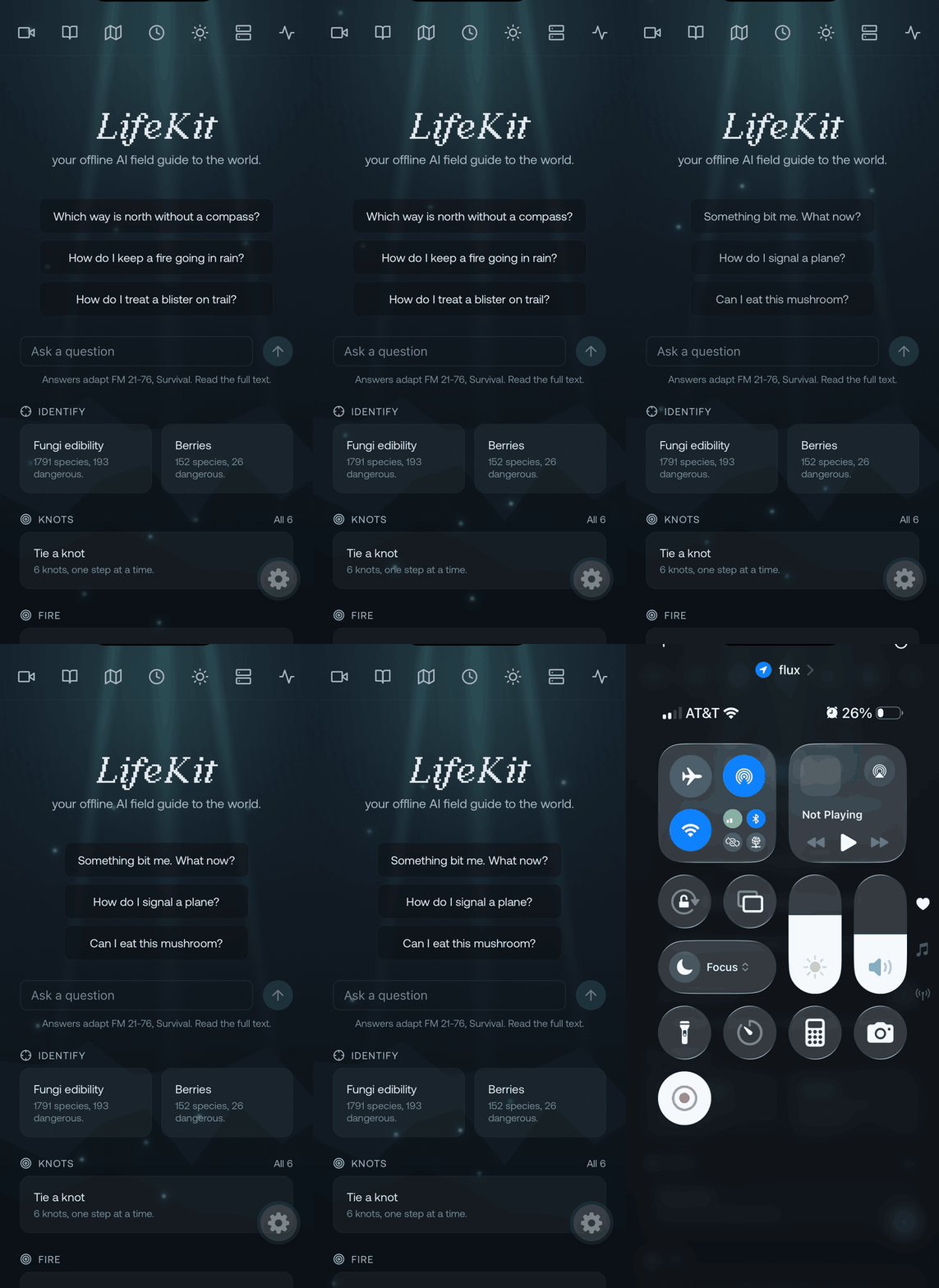
The home screen cycles through example questions and opens the camera tools: fungi and berry identification, and knots taught one step at a time.
Ask
Nemotron answers chat from the library and links each answer to its source. A model trace lists every agent call in a session with its latency.
Open the app
The home screen cycles through example questions and opens the camera tools: fungi and berry identification, and knots taught one step at a time.
Ask a question
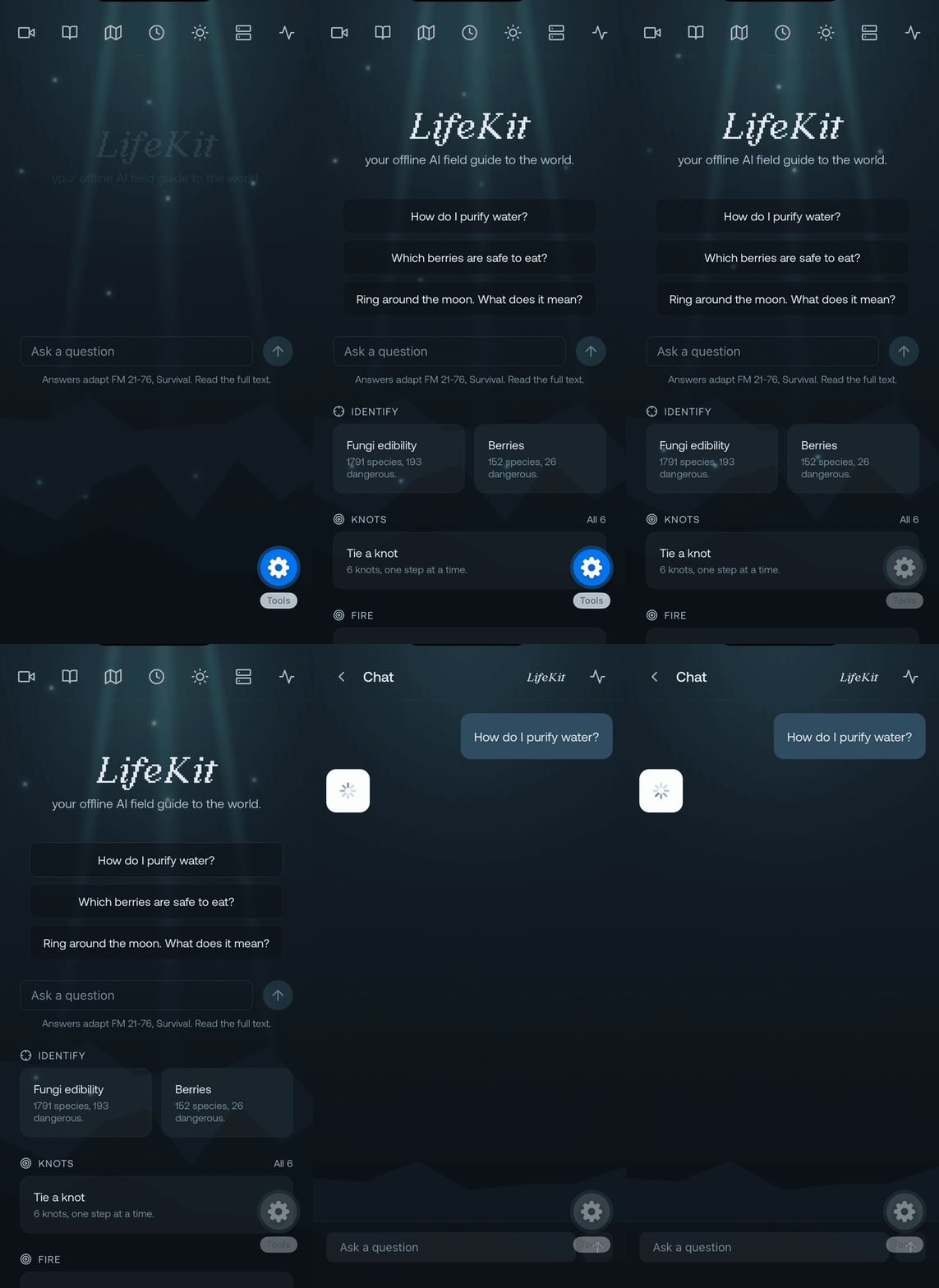
A tapped question opens the chat. When the library has passages for it, Nemotron quotes them and links the chapters they came from.
Identify
VSS runs a checklist and its own inference to confirm a plant's identity and traits, an animal, or the clouds overhead.
Look up a mushroom
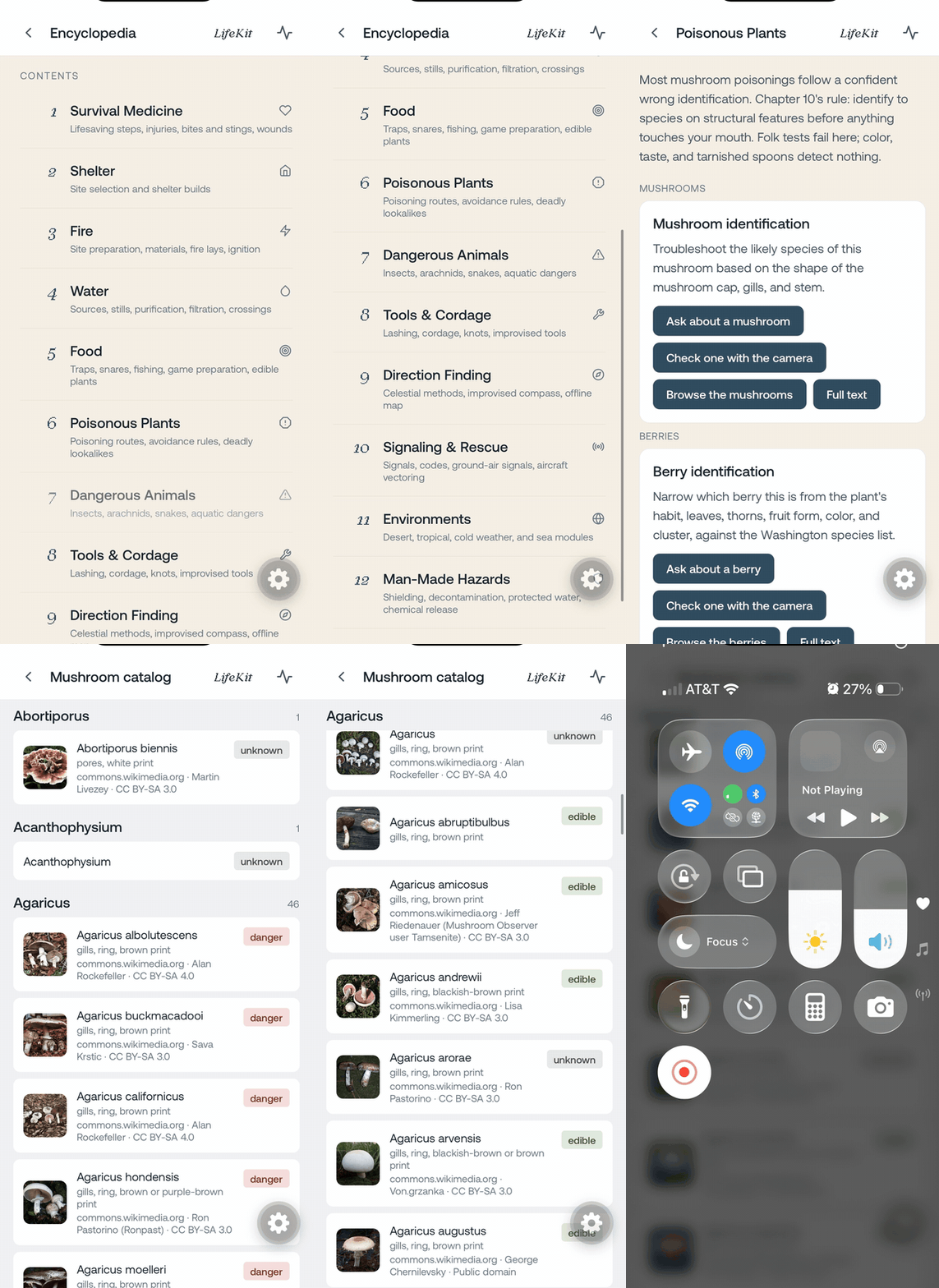
Poisonous Plants leads to the mushroom catalog, where each species carries an edible, danger or unknown label and the licence of its photo.
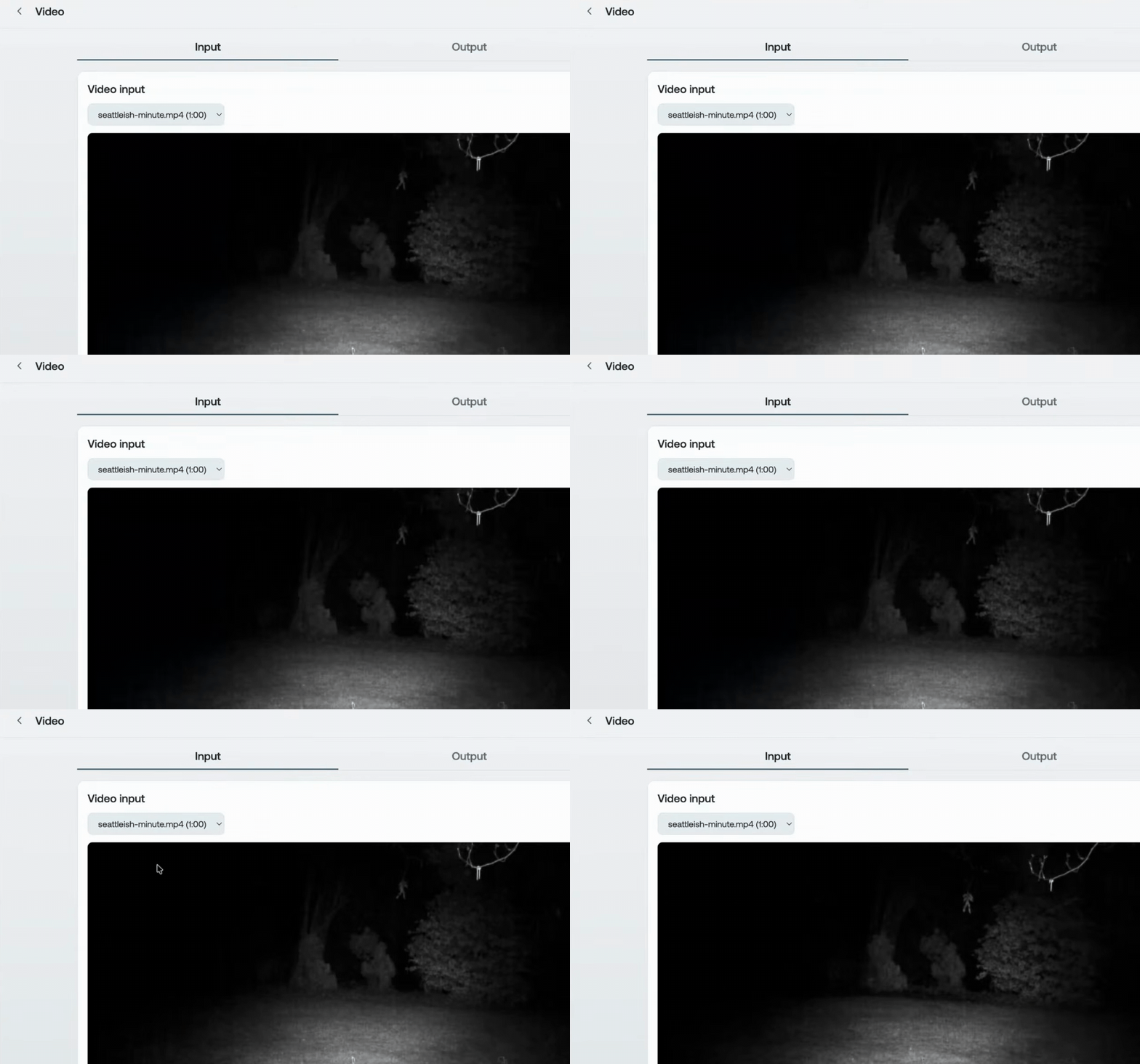
Summarize a camera trap clip
The video screen takes a clip, a summarization prompt and an object to track. This clip is one minute of night footage from a camera trap.
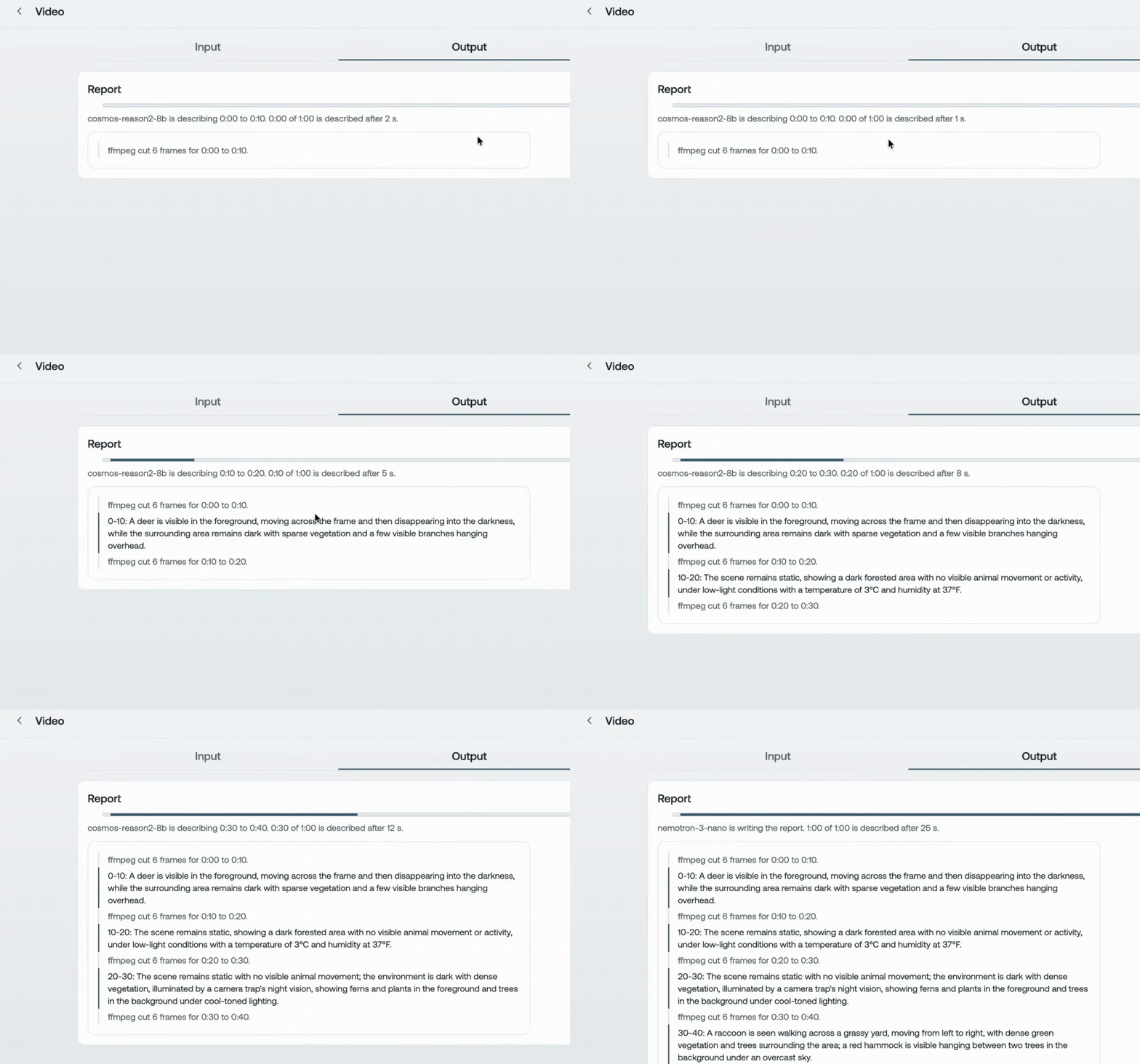
Read the report
ffmpeg cuts six frames from each 10-second span, Cosmos-Reason2-8B describes the span, and Nemotron 3 Nano writes the report from those descriptions.
Grow
When Nemotron has no answer, agents record the gap. Once the box is back online, agents find new sources and add them to the library, so the library grows with each use.
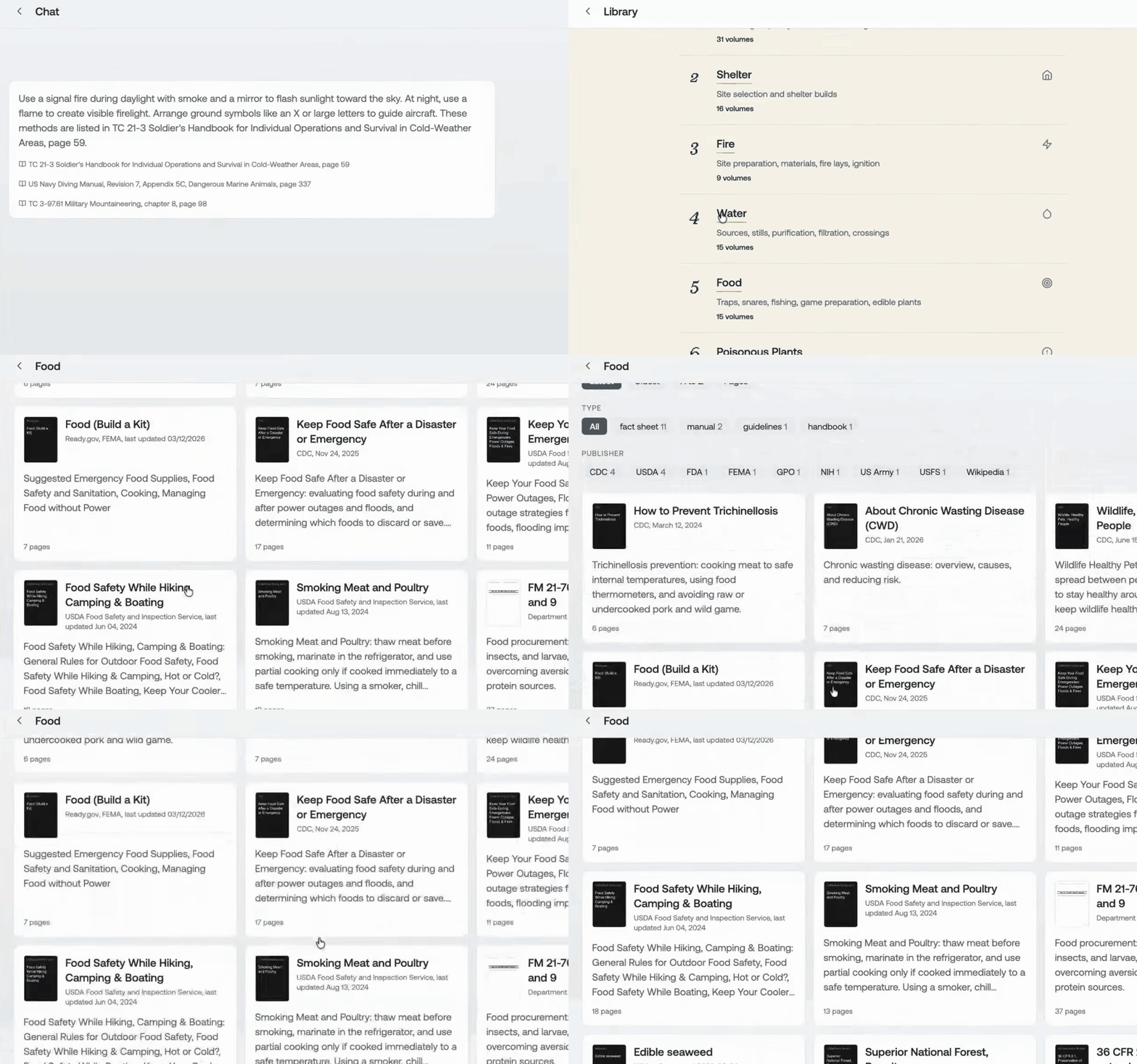
Browse the library
The library files its volumes into twelve sections. Food holds volumes from the CDC, USDA, FEMA, the US Army and Wikipedia, filtered by document type and publisher.
The pack ships as the lifekit-packs dataset on Hugging Face. One command brings up an instance next to a local model and serves the app on the local network.
← Back to Code